Run every truck's day from one screen
Most of a dispatcher's day is spent on work the software should be doing: answering booking calls, rebuilding a route because one thing changed, ringing drivers to ask where they are.
Nobody has to take the booking call
- Donors book themselves, evenings and weekends included.
- They only see times you can make, so there's no call back to reschedule.
- A cancellation clears the stop on its own. Your driver's route is adjusted automatically.
- Booking closes before you route, so you build the day once instead of twice.

Build a day of routes in minutes
Route generation pulls every pickup booked for a date in a region, however it was booked, and builds routes from all of it. Per-pickup-type stop durations feed the optimizer, so a furniture pickup doesn't get the same five minutes as a bag of clothes.
Time windows are set once on the route and cascade down to every stop's donor notifications automatically.

See every truck without calling every driver
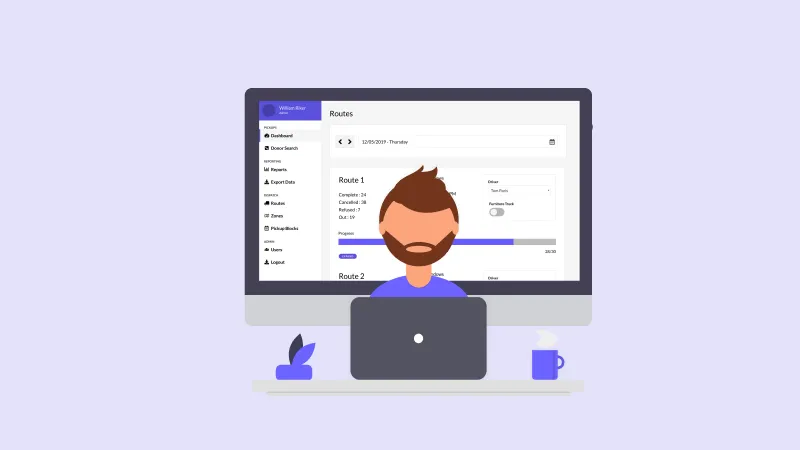
A live progress view shows every truck at once, color-coded stop by stop. When a new pickup comes in mid-day, it auto-inserts into the nearest matching route instead of waiting for tomorrow. Reassign or edit a stop on the fly when plans change.
Dispatch questions we get
Can agents book outside the block system?
Yes, on purpose. Dispatchers and agents can bypass capacity for special cases. Routing includes those pickups like any other.
What happens when a donor cancels?
The slot reopens automatically for someone else to book. Cancelled stops drop off route counts.
Do we have to redraw zones when we grow?
Zones are editable on a map anytime. Add zones or change boundaries without touching history.